Spooky Cat
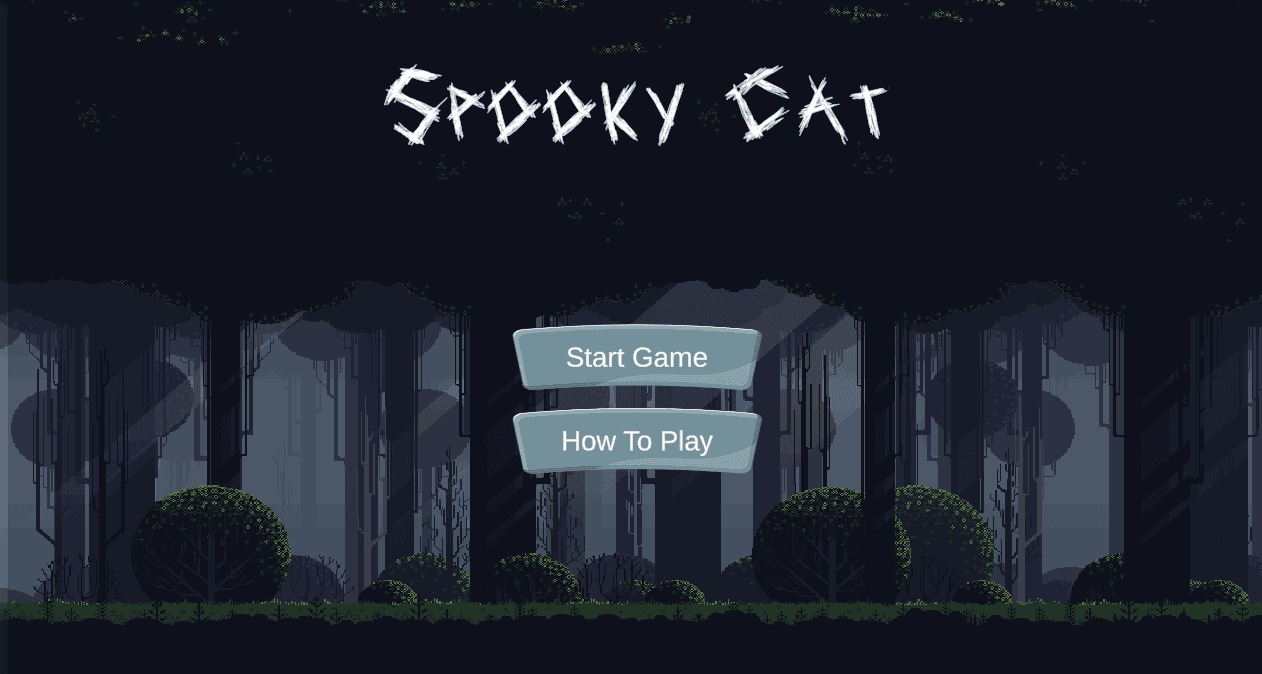
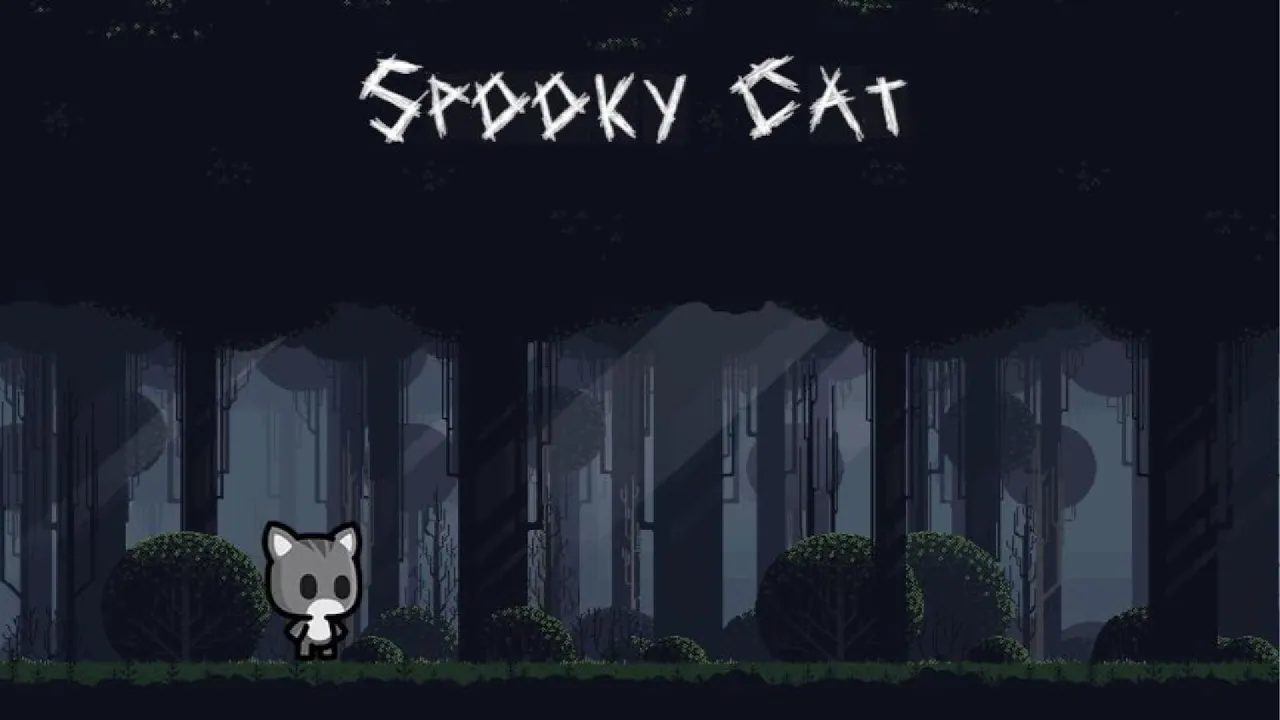
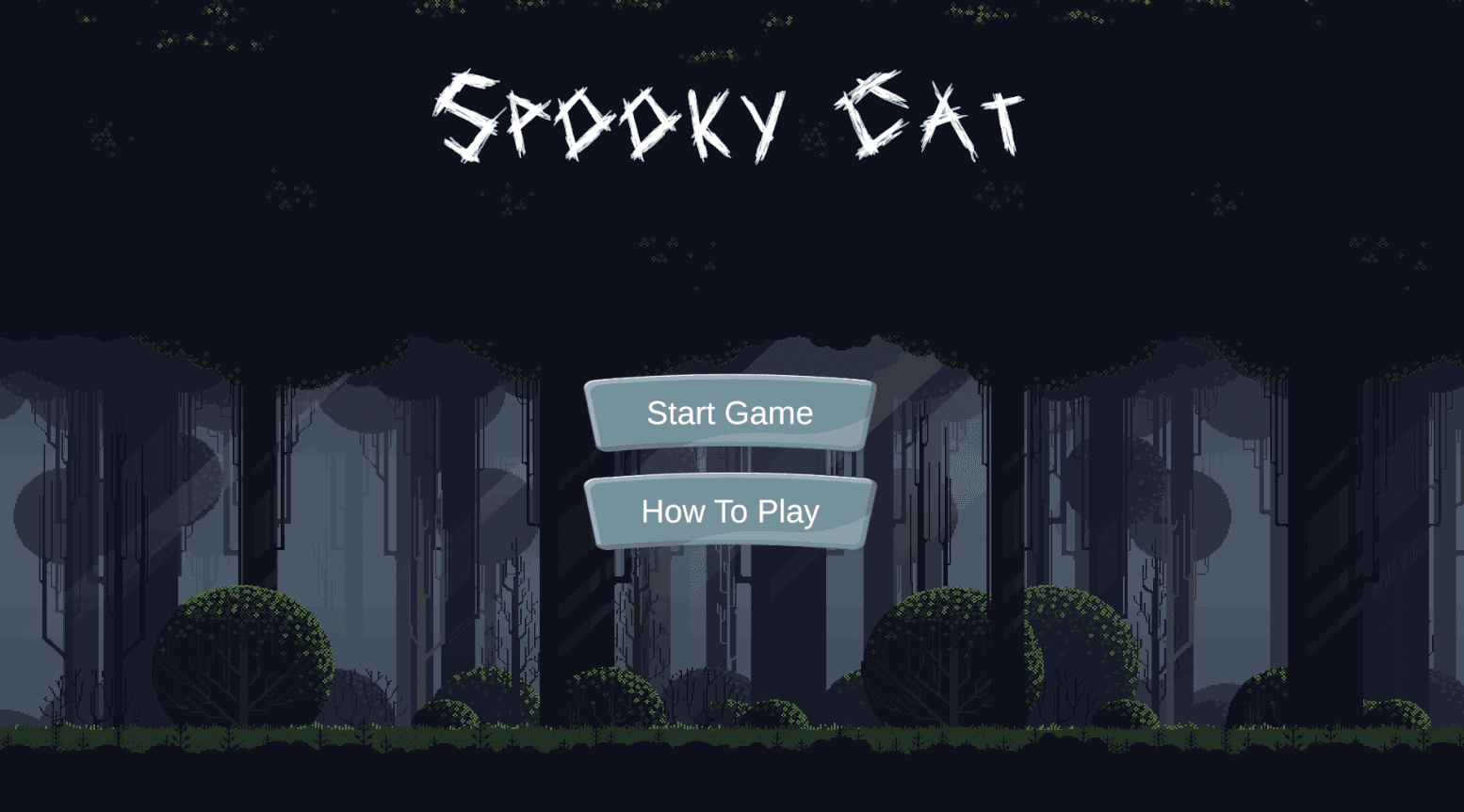
A fast-paced 2D arcade game developed in Unity, where the player navigates obstacles and enemies in a spooky, high-contrast environment designed for quick reactions and short play sessions.
A fast-paced 2D arcade game developed in Unity, where the player navigates obstacles and enemies in a spooky, high-contrast environment designed for quick reactions and short play sessions.

Game Designer
2D Arcade side-scrolling
Solo Project
PC
4 Weeks
2025
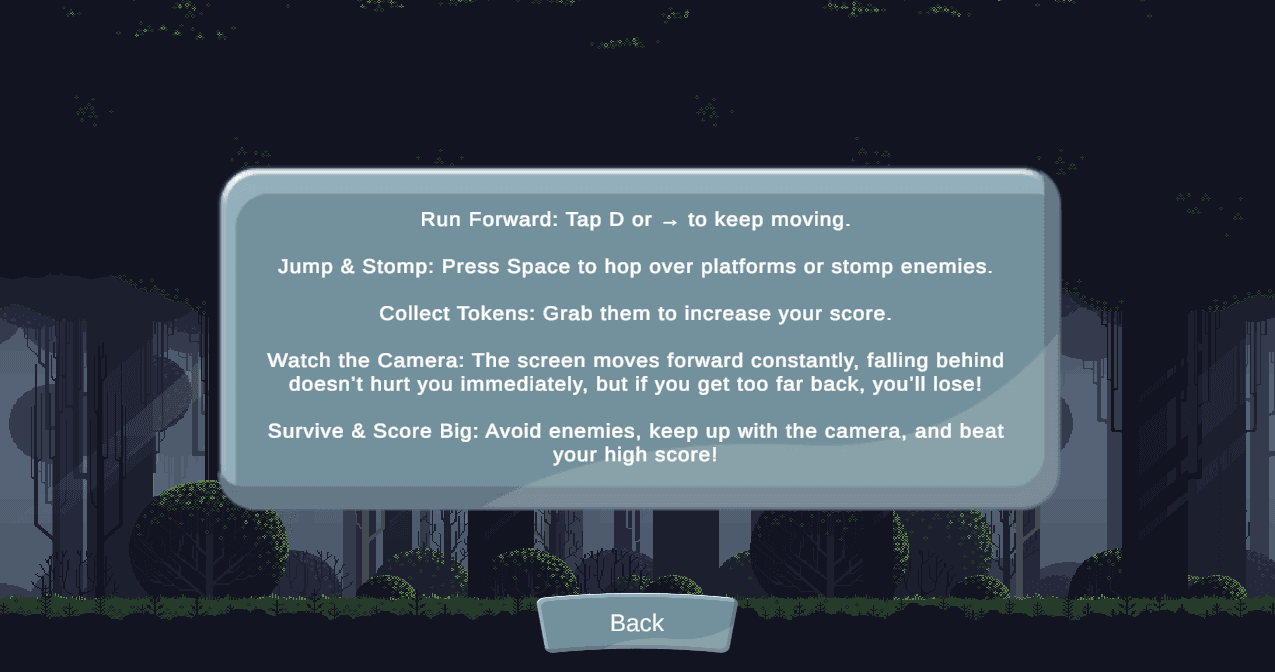
Spooky Cat is a personal project where I handled the full design and implementation process, from core mechanics and player flow to UI and gameplay balancing. While I used third-party visual assets, all gameplay systems, level structure, and UX decisions were designed and implemented by me.
During the first week, I focused on defining the core concept of the game and building the fundamental gameplay systems. The goal was to create a simple survival-based experience where the player must stay alive as long as possible.
I implemented:
Basic player movement and controls
Initial camera setup
Core game loop (start → play → lose)
I also experimented with the overall feel of the game, adjusting movement speed and responsiveness to make it more engaging. This week was mainly about prototyping and validating the idea.
In the second week, I expanded the gameplay systems and introduced more structure to the experience.
Key additions:
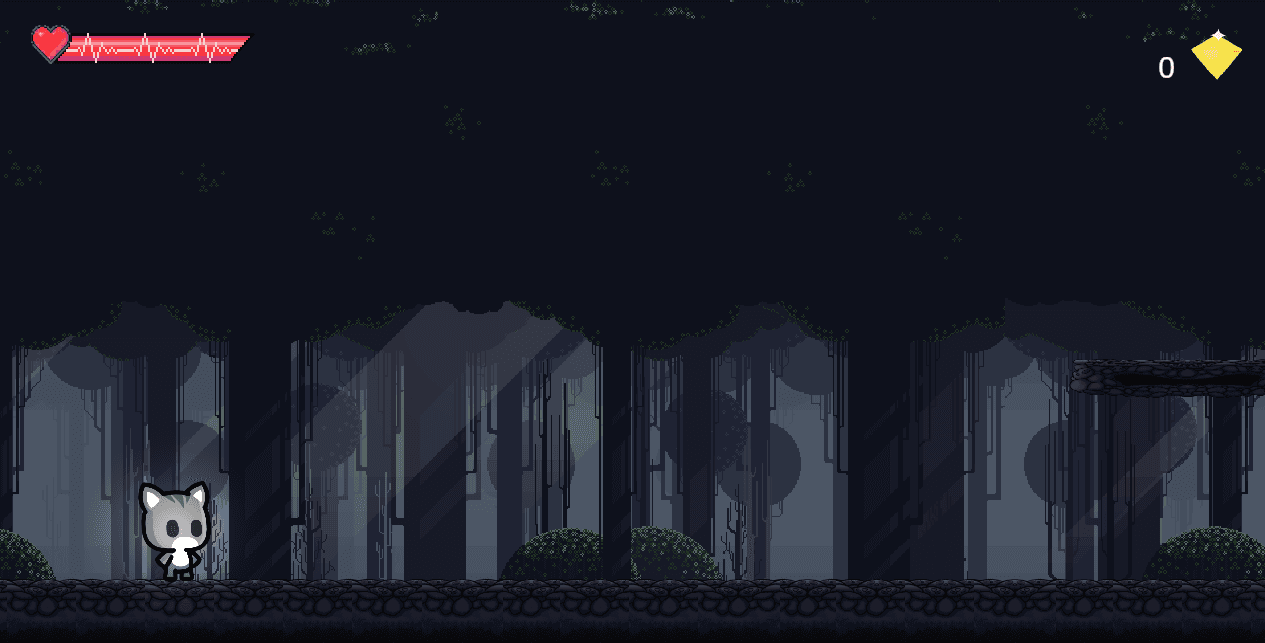
Player health system and damage handling
Automatic camera movement using player speed
Death condition when the player falls behind the camera
Basic UI elements (health display, simple layout)
A major focus was the camera system, which continuously moves forward and creates pressure on the player. This significantly improved the pacing and challenge of the game.
During week three, I focused on user interface and feedback systems to complete the gameplay loop.
Implemented features:
Game Over screen with timer and score display
Restart system using scene reloading
Player score tracking system
Name input and submission system
This week transformed the project from a prototype into a more complete game experience.
In the final week, I focused on polish, persistence, and improving the overall user experience.
Key features:
High score system with ranking
Persistent data using PlayerPrefs
Dynamic UI generation using prefabs
Layout refinement (aligned score table, spacing, readability)
Bug fixing and UI interaction improvements
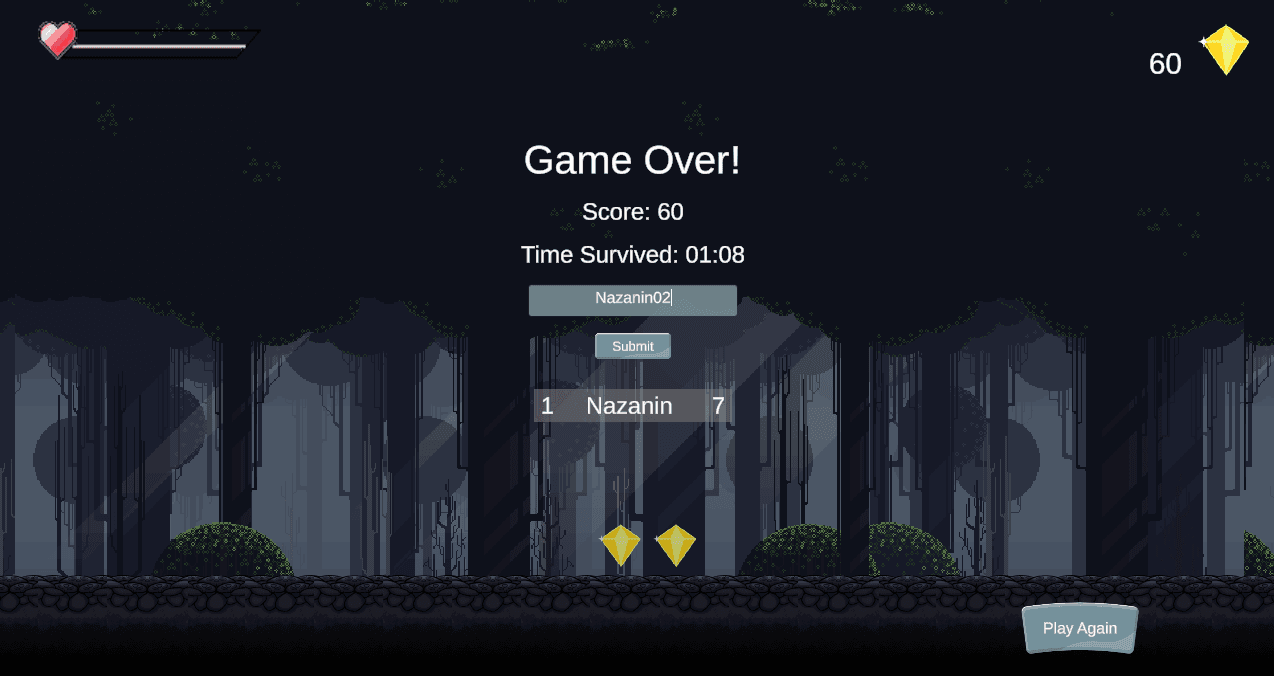
One of the main achievements was implementing a persistent high-score system, allowing players to save their results across sessions.

A fast-paced 2D arcade game developed in Unity, where the player navigates obstacles and enemies in a spooky, high-contrast environment designed for quick reactions and short play sessions.
Game Designer
2D Arcade side-scrolling
Solo Project
PC
4 Weeks
2025
Spooky Cat is a personal project where I handled the full design and implementation process, from core mechanics and player flow to UI and gameplay balancing. While I used third-party visual assets, all gameplay systems, level structure, and UX decisions were designed and implemented by me.
During the first week, I focused on defining the core concept of the game and building the fundamental gameplay systems. The goal was to create a simple survival-based experience where the player must stay alive as long as possible.
I implemented:
Basic player movement and controls
Initial camera setup
Core game loop (start → play → lose)
I also experimented with the overall feel of the game, adjusting movement speed and responsiveness to make it more engaging. This week was mainly about prototyping and validating the idea.
In the second week, I expanded the gameplay systems and introduced more structure to the experience.
Key additions:
Player health system and damage handling
Automatic camera movement using player speed
Death condition when the player falls behind the camera
Basic UI elements (health display, simple layout)
A major focus was the camera system, which continuously moves forward and creates pressure on the player. This significantly improved the pacing and challenge of the game.
During week three, I focused on user interface and feedback systems to complete the gameplay loop.
Implemented features:
Game Over screen with timer and score display
Restart system using scene reloading
Player score tracking system
Name input and submission system
This week transformed the project from a prototype into a more complete game experience.
In the final week, I focused on polish, persistence, and improving the overall user experience.
Key features:
High score system with ranking
Persistent data using PlayerPrefs
Dynamic UI generation using prefabs
Layout refinement (aligned score table, spacing, readability)
Bug fixing and UI interaction improvements
One of the main achievements was implementing a persistent high-score system, allowing players to save their results across sessions.
A fast-paced 2D arcade game developed in Unity, where the player navigates obstacles and enemies in a spooky, high-contrast environment designed for quick reactions and short play sessions.
Game Designer
2D Arcade side-scrolling
Solo Project
PC
4 Weeks
2025
Spooky Cat is a personal project where I handled the full design and implementation process, from core mechanics and player flow to UI and gameplay balancing. While I used third-party visual assets, all gameplay systems, level structure, and UX decisions were designed and implemented by me.
During the first week, I focused on defining the core concept of the game and building the fundamental gameplay systems. The goal was to create a simple survival-based experience where the player must stay alive as long as possible.
I implemented:
Basic player movement and controls
Initial camera setup
Core game loop (start → play → lose)
I also experimented with the overall feel of the game, adjusting movement speed and responsiveness to make it more engaging. This week was mainly about prototyping and validating the idea.
In the second week, I expanded the gameplay systems and introduced more structure to the experience.
Key additions:
Player health system and damage handling
Automatic camera movement using player speed
Death condition when the player falls behind the camera
Basic UI elements (health display, simple layout)
A major focus was the camera system, which continuously moves forward and creates pressure on the player. This significantly improved the pacing and challenge of the game.
During week three, I focused on user interface and feedback systems to complete the gameplay loop.
Implemented features:
Game Over screen with timer and score display
Restart system using scene reloading
Player score tracking system
Name input and submission system
This week transformed the project from a prototype into a more complete game experience.
In the final week, I focused on polish, persistence, and improving the overall user experience.
Key features:
High score system with ranking
Persistent data using PlayerPrefs
Dynamic UI generation using prefabs
Layout refinement (aligned score table, spacing, readability)
Bug fixing and UI interaction improvements
One of the main achievements was implementing a persistent high-score system, allowing players to save their results across sessions.